ITW Africa and Datacloud Africa Official Networking App!

Two conference attendees wearing event badges use their mobile phones in the exhibition and registration area of a business conference.

Start connecting with fellow attendees before you arrive in Nairobi. Available on both mobile and desktop, the networking platform helps you identify key contacts, schedule meetings, build your agenda and plan your week in advance.

Start making those all-important connections ahead of the conference by downloading the Techoraco Events App and logging into the networking platform! Registered attendees may access the app and enter their details to begin planning ahead for the conference!

With a busy schedule of meetings, networking opportunities and conference sessions ahead, now is the time to start making connections and organising your diary both before and during your time in Nairobi.


Maximize your time at the event

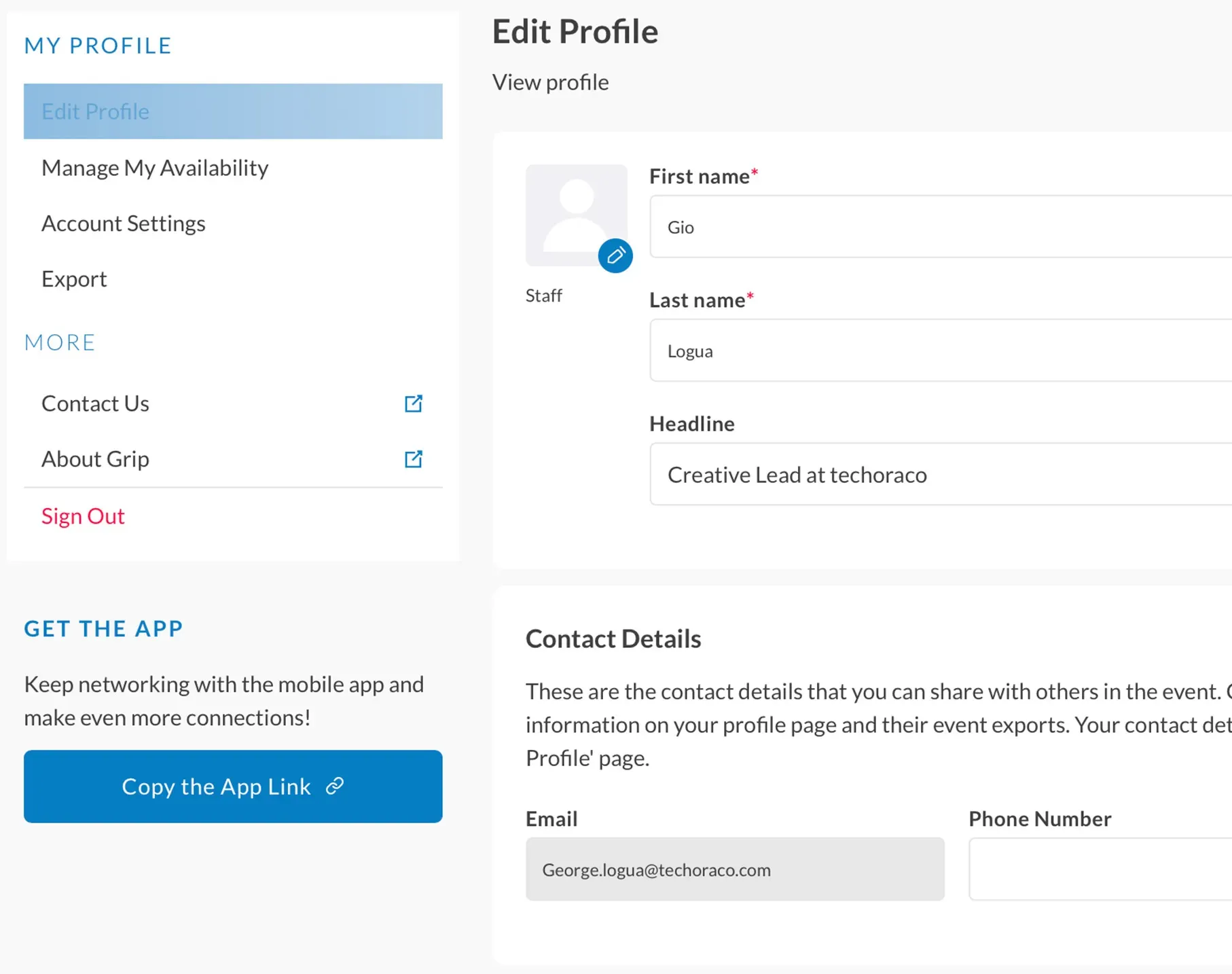
1. Update your profile

Make the best first impression with a profile picture and a powerful headline.

User profile settings page for an event platform, showing fields to edit personal details such as name, headline, and contact information alongside navigation options.

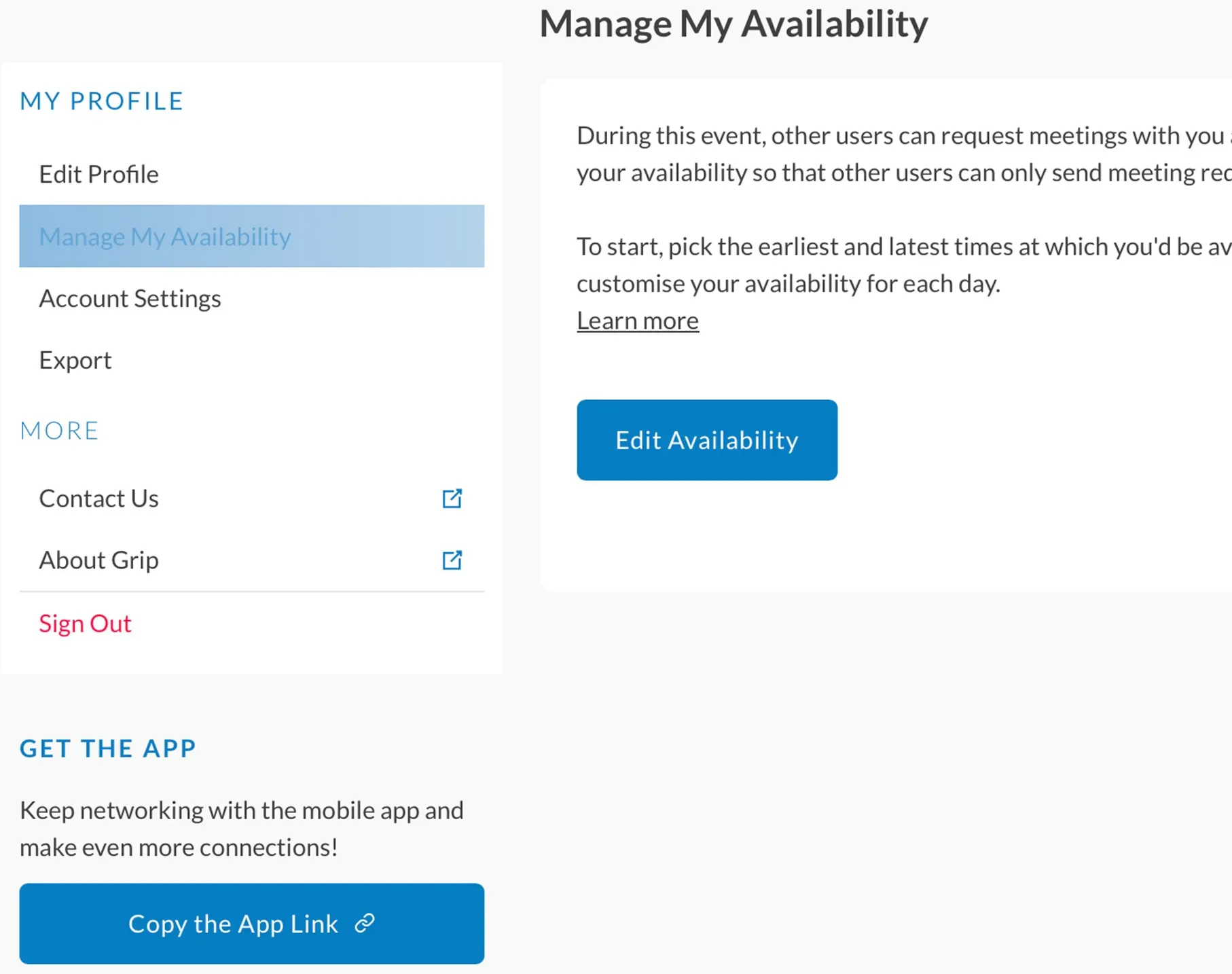
2. Manage your availability

Prevent unnecessary rescheduling and meeting conflicts.

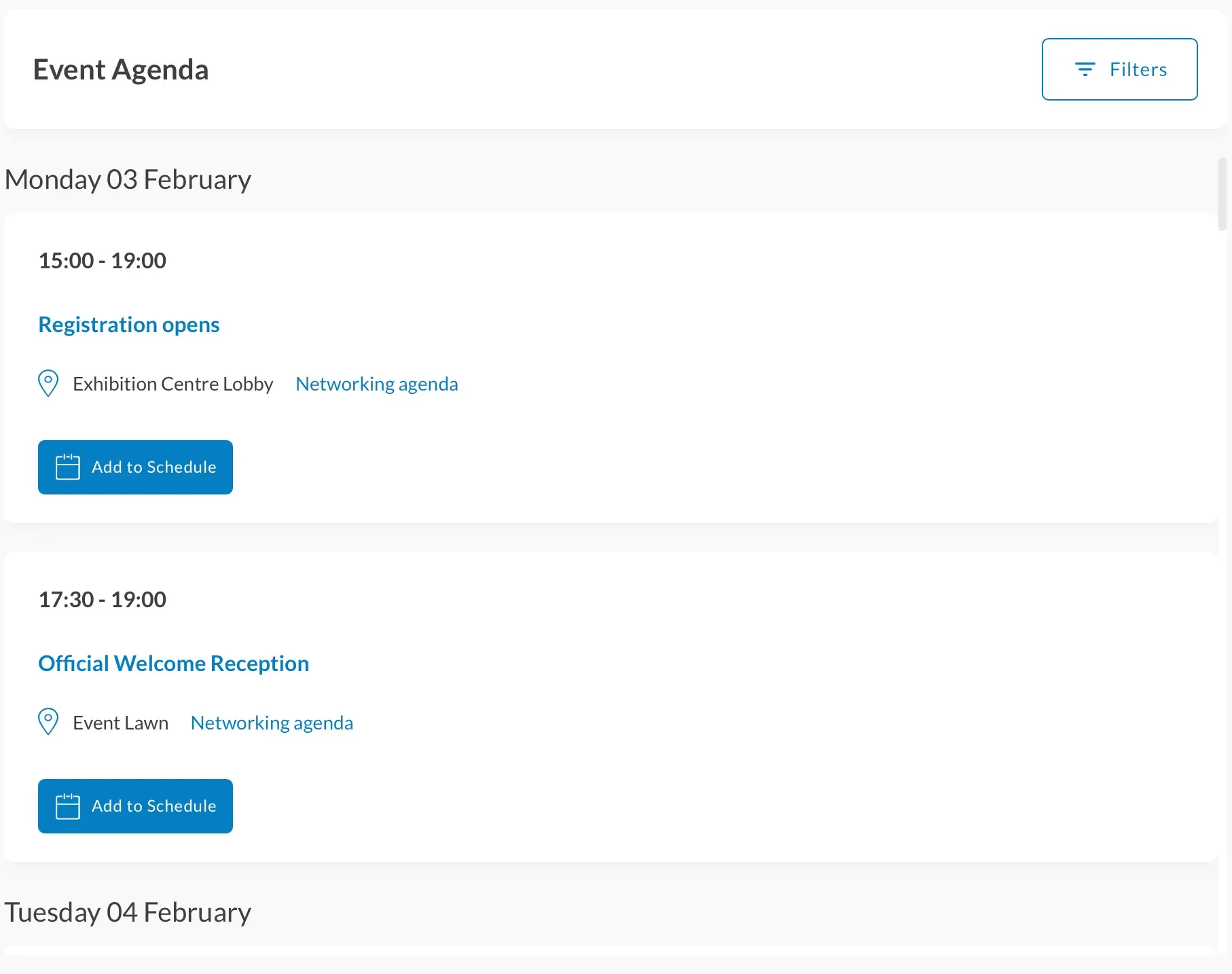
3. Build your experience

Explore the agenda to further customize your event experience.

Event agenda page showing schedule items for Monday, February 3, including registration opening at Exhibition Centre Lobby and an official welcome reception at Event Lawn.

Watch the techoraco events app tutorial

Make sure you check out our handy tutorial for helpful tips on navigating your way round and making the most of the app's features!


If you or your team have any questions on how to use the networking app - techoraco Events, please contact our dedicated support team for any user or exhibitor related issues at support@grip.events.